
Skip to content

Add your Teroxx Pay Card to Apple Pay
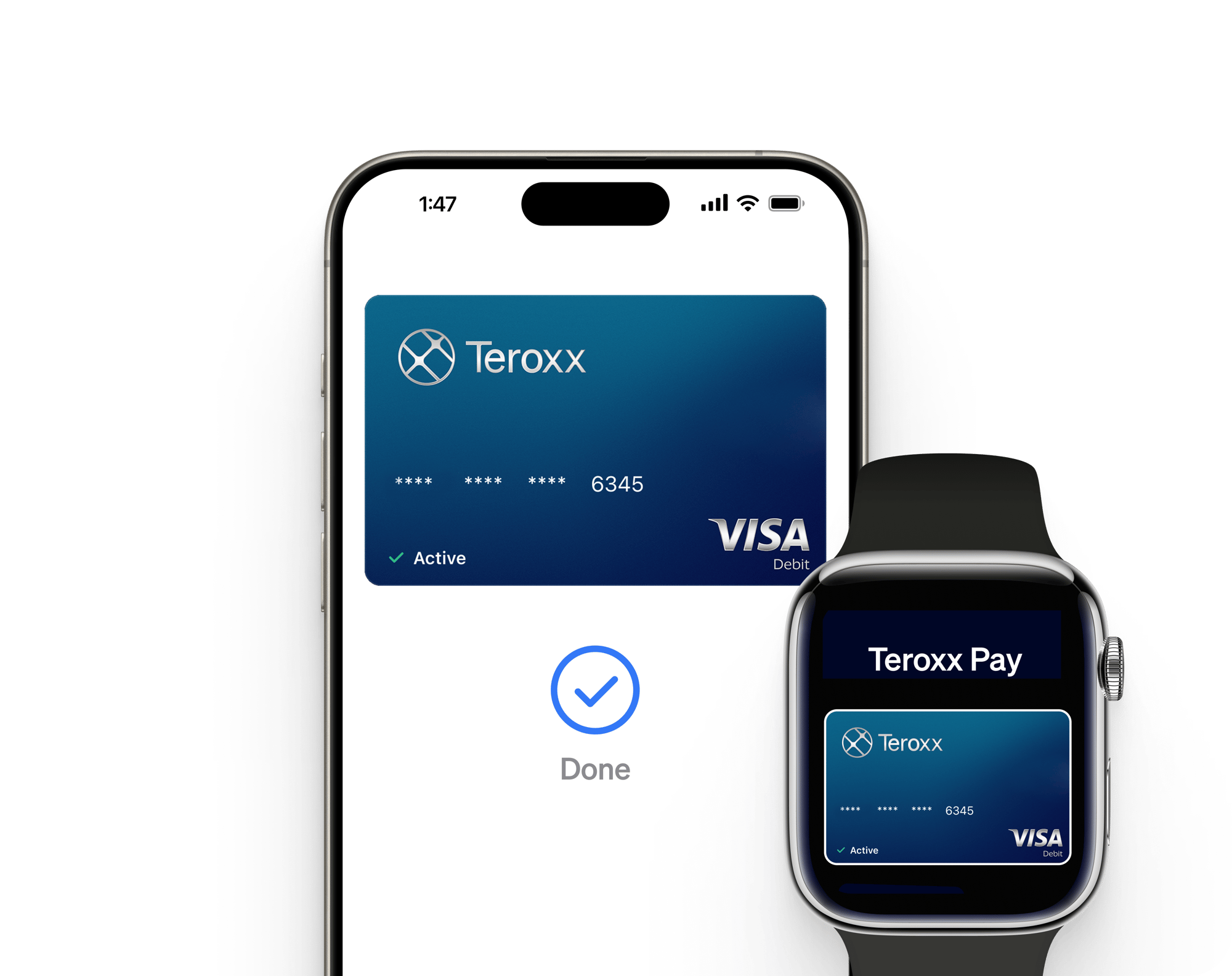
Make everyday payments easier and more secure with your Teroxx Pay card and Apple Pay. Enjoy safe, contactless purchases in stores, on transport, in apps, and on websites that accept Apple Pay - no physical card needed.
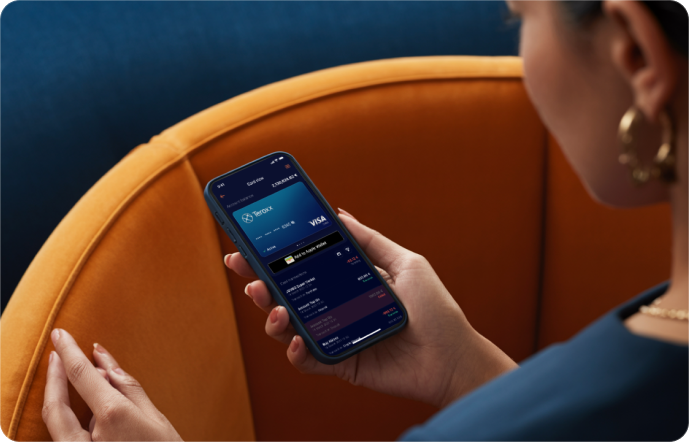
Person sitting on a couch holding a smartphone and looking at the screen.

Get the Most Out of Teroxx Pay with Apple Pay

Minimalist illustration of a smartwatch with a circular interface, suggesting digital access or wearable tech integration.

Effortless

With Apple Pay, your Teroxx Pay card is always at hand. Enjoy fast, secure, and seamless shopping from your device - online, in-store, and on the go.

Illustration of a smartphone displaying a Teroxx digital card with contactless signal, surrounded by sparkle effects indicating cleanliness or newness.

Contactless

Pay wherever contactless is accepted. Simply launch Apple Pay, verify your identity, and place your device near the terminal. Contactless limits may apply.

Vector illustration of a keyring with a key and two fobs, one showing a shield symbol and the other the Teroxx logo, symbolizing security.

Secure

Every payment is safeguarded with Face ID, Touch ID, or passcode. Your card details stay private - never stored on your device or shared with merchants.

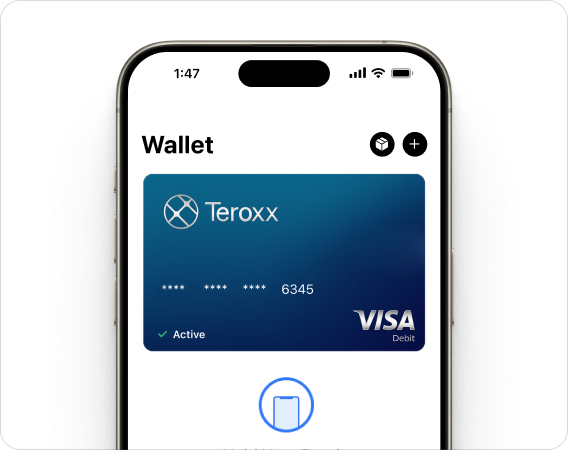
Smartphone screen displaying a digital wallet with a blue Teroxx Visa debit card.

In your iPhone

To add your Teroxx Pay Card to your iPhone, open Apple Wallet, tap the “+” button, and follow the on-screen instructions to scan or enter your card details.
In your Apple Watch

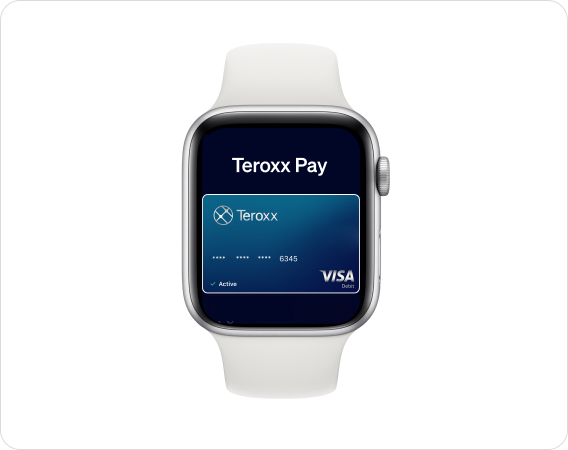
To add your Teroxx Pay Card to your Apple Watch, open Apple Wallet, tap the “+” button, and follow the on-screen instructions to scan or enter your card details.

Smartwatch screen showing Teroxx Pay with a blue Teroxx Visa card.
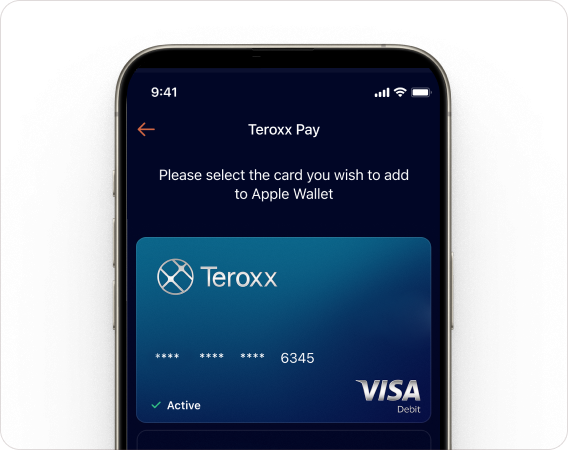
Smartphone screen showing the Teroxx Pay app with a Teroxx Visa debit card ready to add to Apple Wallet.

Add via Teroxx App

Log into the Teroxx App, select your Teroxx Pay card, and tap 'Add to Apple Wallet'. Follow the prompts to verify your identity and confirm. Your card is now ready for Apple Pay.

How to pay

Pay fast with Apple Pay - tap your device at any contactless terminal and confirm with Face ID, Touch ID, or passcode. Alternatively, use Apple Pay online wherever you see the Apple Pay logo.
a-photo-of-a-woman-paying-with-her-iphon_9lVknkF7SbO9DhuHROi0Xg_WK7DN3SJSzS4rLQF8L656g 1