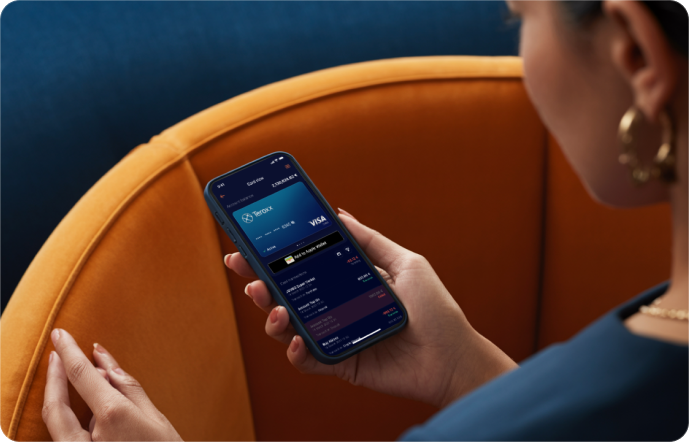

Add your Teroxx Pay Card to Apple Pay
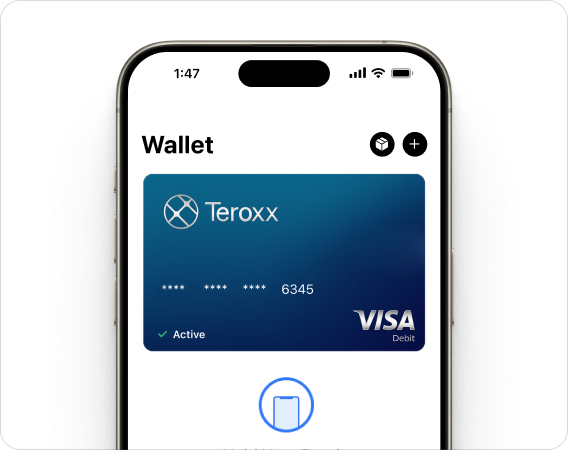
In your iPhone
To add your Teroxx Pay Card to your iPhone, open Apple Wallet, tap the “+” button, and follow the on-screen instructions to scan or enter your card details.
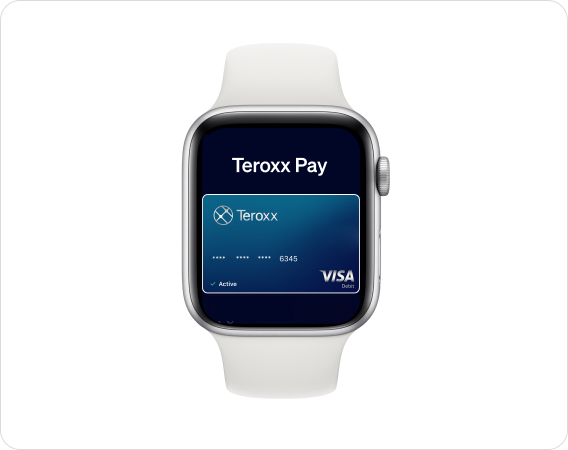
In your Apple Watch
To add your Teroxx Pay Card to your Apple Watch, open Apple Wallet, tap the “+” button, and follow the on-screen instructions to scan or enter your card details.
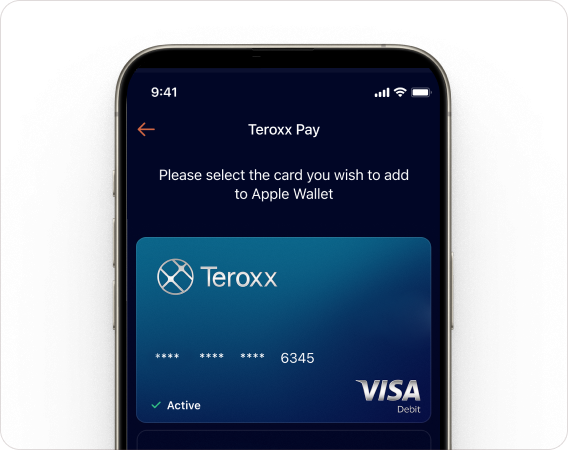
Add via Teroxx App
Log into the Teroxx App, select your Teroxx Pay card, and tap 'Add to Apple Wallet'. Follow the prompts to verify your identity and confirm. Your card is now ready for Apple Pay.
How to pay
Pay fast with Apple Pay - tap your device at any contactless terminal and confirm with Face ID, Touch ID, or passcode. Alternatively, use Apple Pay online wherever you see the Apple Pay logo.